Best Linux Patch Management Software for Small IT Teams in 2026

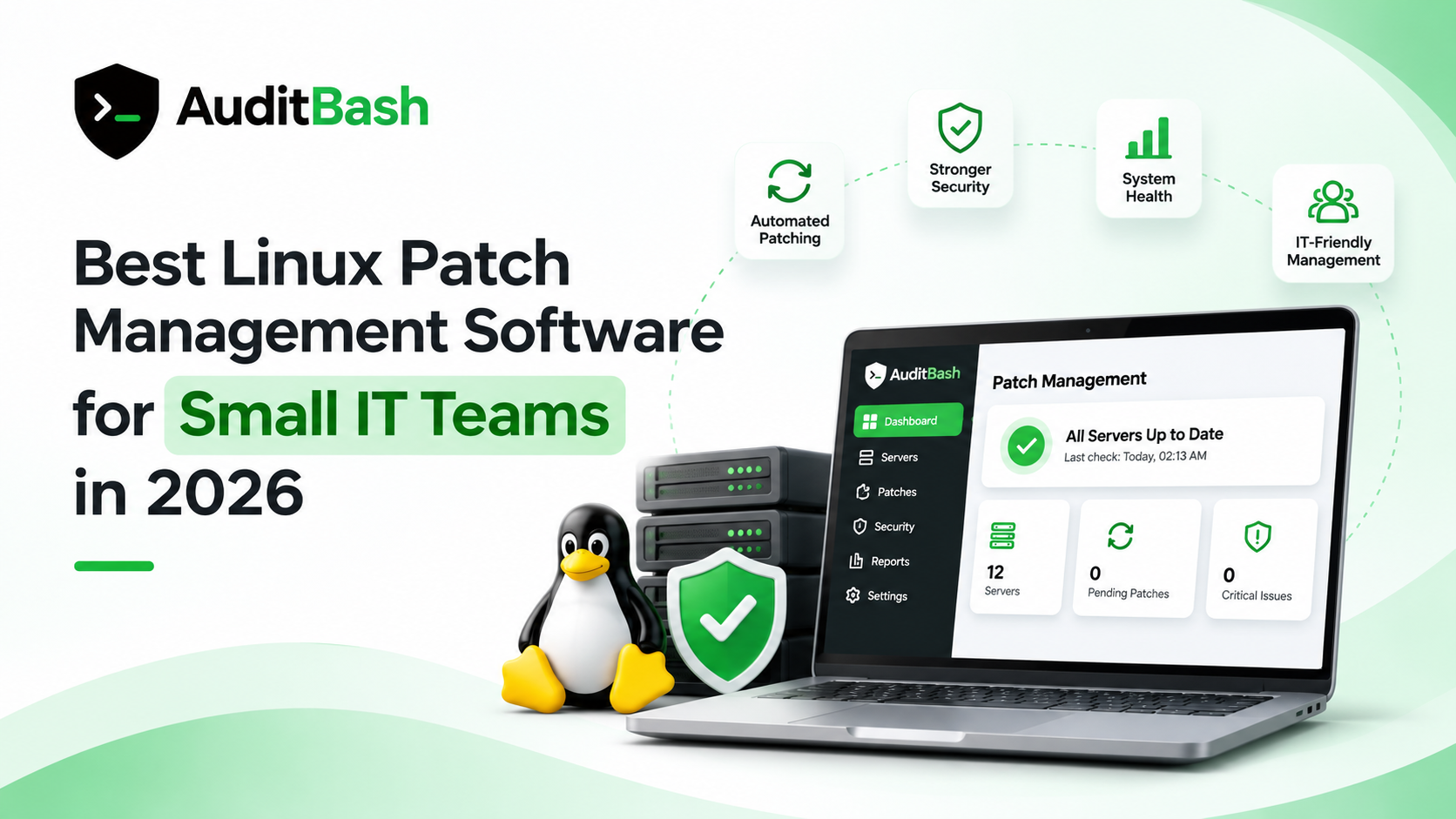
The best Linux patch management software for small IT teams includes AuditBash, PatchMon, SysWard, Action1, ManageEngine Patch Manager Plus, and Ansible. Each offers a different approach to automating security updates, managing multiple servers, and reducing manual maintenance.
For small businesses, choosing the right software means finding a balance between automation, security, pricing, and ease of management. A platform that combines patch management with security scanning and remediation can be particularly useful for teams with limited IT resources.
This guide compares leading Linux patch management tools, their strengths, limitations, and the features you should evaluate before making a purchasing decision.
What Is the Best Linux Patch Management Software in 2026?
The best Linux patch management software helps administrators identify missing security updates, manage patch installation, monitor connected servers, and verify maintenance results from a central location.
The right choice depends on your infrastructure. Some businesses only need automated package updates, while others require security scanning, risk monitoring, and tools to resolve server security issues.
According to the NIST Guide to Enterprise Patch Management Planning, patch management is an essential part of preventive technology maintenance that helps reduce security risks and operational disruptions.
Small IT teams should prioritize tools that reduce repetitive work without removing control over production servers.
Top Linux Patch Management Tools Compared
The following six tools represent different approaches to Linux server maintenance. They are selected according to their practical use cases rather than a universal performance ranking.
1. Combined Linux Patch Management and Server Security
A combined patching and security platform is suitable for small IT teams that need more than operating system updates. It brings routine maintenance, security scanning, risk identification, and supported security fixes into one workflow.
This approach is especially useful for hosting providers, web agencies, and small SaaS businesses that manage multiple Linux servers without a dedicated security department.
Key features:
- Automatic security update checks.
- Centralized server management.
- Automatic and approval-based patching.
- Server security scanning.
- Browser-based security fixes.
- Security alerts and reports.
Best for: Small IT teams looking for patch management and broader Linux server security in one platform.
Consideration: Confirm supported Linux distributions and review agent permissions before deployment.
2. PatchMon
PatchMon offers centralized patch monitoring and deployment for Linux infrastructure. It helps administrators review available updates, manage patch installation, and track maintenance across connected systems.
Its self-hosted option makes it attractive to technical teams that prefer greater control over their management infrastructure.
Key features: Centralized patch monitoring, automated deployment, approval workflows, package visibility, and maintenance history.
Best for: Linux administrators seeking dedicated patch management with self-hosted or managed deployment options.
Consideration: Self-hosted installations require the team to maintain the management infrastructure.
3. SysWard
SysWard focuses on Linux patch management and vulnerability visibility across supported Linux distributions. Administrators can identify missing updates, review relevant vulnerabilities, and manage patch deployment through a central dashboard.
Its per-server pricing model makes it worth evaluating for businesses that primarily need Linux patching and vulnerability tracking.
Key features: Scheduled patching, CVE matching, server groups, vulnerability tracking, and maintenance records.
Best for: Linux operations teams looking for dedicated and affordable patch management.
Consideration: Evaluate additional server security requirements beyond its core patching capabilities.
4. Action1
Action1 is a cloud-based patch management and endpoint security platform that supports Linux alongside Windows and macOS.
It is particularly relevant for IT departments that need to manage different operating systems and maintain visibility across a distributed workforce.
Key features: Automated patch deployment, vulnerability detection, endpoint inventory, and centralized reporting.
Best for: Small and medium-sized businesses managing mixed operating system environments.
Consideration: Confirm that your required Linux distributions, applications, and patching features are supported.
5. ManageEngine Patch Manager Plus
ManageEngine Patch Manager Plus offers centralized patch management across supported Linux, Windows, and macOS devices. It includes deployment automation and patch reporting capabilities for organizations managing different operating systems.
Businesses with established IT departments may find its broader endpoint patching capabilities useful.
Key features: Automated patch scanning, testing and approval workflows, patch deployment, and reporting.
Best for: Businesses that require centralized patch management across multiple operating systems.
Consideration: Review plan-specific features, setup requirements, and licensing before purchasing.
6. Ansible
Ansible is an infrastructure automation tool that allows administrators to manage Linux updates through reusable playbooks. It is suitable for DevOps teams that already use code-based infrastructure management.
Unlike dedicated patch management software, Ansible typically requires additional configuration for scheduling, approval processes, reporting, and failure monitoring.
Key features: Linux package automation, reusable playbooks, server inventory management, and infrastructure configuration.
Best for: Experienced Linux administrators and DevOps teams comfortable with maintaining automation code.
Consideration: The team remains responsible for building and maintaining its patch management workflow.
Linux Patch Management Software Comparison
Choosing between Linux patch management tools becomes easier when you compare their primary functions, deployment models, and intended users.
| Software | Primary focus | Deployment | Best suited for |
|---|---|---|---|
| Combined patching and security platform | Patching, scanning and security fixes | Central dashboard with server agent | Small IT teams and hosting agencies |
| PatchMon | Patch monitoring and deployment | Cloud or self-hosted | Linux administrators |
| SysWard | Linux patching and vulnerability tracking | SaaS or self-hosted appliance | Linux operations teams |
| Action1 | Cross-platform patching and vulnerability management | Cloud-based | Mixed OS environments |
| ManageEngine Patch Manager Plus | Endpoint patch management | Cloud or on-premises | Multi-OS IT departments |
| Ansible | Infrastructure automation | Team-managed | Experienced DevOps teams |
If your primary requirement is Linux package management, a dedicated patching tool may be sufficient. However, if your team also manages insecure configurations, exposed files, and other server risks, a platform with broader security capabilities may be a better operational fit.
What Features Should Small IT Teams Look for in Linux Patch Management Software?
Small IT teams should look for automated update detection, centralized patch management, flexible deployment controls, security visibility, and clear reporting. These features help reduce manual work while maintaining control over important server operations.
Automated Linux Security Patching
A reliable Linux patch management platform should regularly detect available security updates and allow administrators to automate installation where appropriate.
This reduces the need to manually check individual servers and helps teams maintain a more consistent update schedule.
Centralized Server Management
Centralized Linux patch management allows administrators to review multiple servers through one dashboard. Teams can identify systems that need attention without opening separate terminal sessions for every routine check.
This is particularly useful for hosting companies and agencies responsible for several customer environments.
Patch Approval and Maintenance Windows
Production servers may require planned maintenance before installing certain updates. A software update could introduce compatibility issues, restart services, or require a system reboot.
Look for a platform that allows your team to control when updates are applied and which changes require approval.
Security Scanning and Remediation
Installing the latest security patches does not resolve every Linux server security issue. Open ports, exposed backup files, suspicious files, and insecure access settings may require separate investigation.
Integrated scanning and remediation capabilities can help teams manage these additional risks without relying entirely on separate tools.
Reporting and Security Visibility
IT managers should be able to identify servers with pending updates, review security conditions, and understand which issues still require attention.
Clear reports are especially useful for agencies that need to communicate server maintenance activities to customers.
Agent Security and Linux Compatibility
Before purchasing any Linux patch management solution, confirm that it supports your operating system versions and hosting environment.
If the software requires an agent with elevated permissions, review its access requirements, data handling, network connections, and uninstall process. These checks are important when deploying software on production servers.
Is Free or Open-Source Linux Patch Management Software Enough?
Free and open-source Linux patch management software can be sufficient for teams with strong technical knowledge and enough time to maintain their own automation workflows.
Native Linux package managers, Ansible, and open-source platforms such as PatchMon can help administrators manage updates without paying for a traditional commercial software license.
However, software licensing is only one part of the overall maintenance cost.
| Consideration | Free or open-source tools | Commercial platforms |
|---|---|---|
| License cost | Often free | Subscription or license fee |
| Initial setup | May require more configuration | Often includes guided setup |
| Patch automation | Built-in or custom automation | Typically integrated |
| Reporting | Depends on the tool and configuration | Often included in the dashboard |
| Support | Community or optional paid support | Depends on the subscription |
| Ongoing maintenance | Often handled internally | Depends on the deployment model |
For a business managing a few Linux servers, native automation may be enough. As the number of servers grows, centralized management and integrated security tools may become more valuable.
The decision should depend on your team's available time and security requirements rather than software cost alone.
Linux Patch Management Pricing: What Should Small Businesses Consider?
Linux patch management pricing depends on the number of managed servers, included features, deployment requirements, and technical support.
Some providers charge per server, while others offer subscription packages or self-hosted editions. A lower subscription price does not necessarily mean a lower overall maintenance cost.
Before purchasing, check:
- The number of servers included in each plan.
- Automatic patch installation and approval options.
- Security scanning and remediation features.
- Reporting and alerting capabilities.
- Additional server charges.
- Technical support and infrastructure costs.
- Free trial availability.
Evaluate the Total Cost of Server Maintenance
Consider a small web agency managing ten Linux servers for different customers. Its administrators use separate tools for package updates, security scanning, and maintenance reports.
Even if those tools have no license fees, the agency still spends time maintaining scripts, reviewing alerts, checking individual servers, and preparing reports.
A combined Linux patch management and security platform may reduce some of this administrative work. Comparing subscription costs with the time spent on routine maintenance gives businesses a more useful basis for evaluating software.
How to Choose Linux Patch Management Software for Small IT Teams
The best Linux patch management software for small businesses should match their actual infrastructure, maintenance requirements, technical resources, and budget.
Use the following process to evaluate your options before committing to a subscription.
1. Identify your Linux environment. Check the number of servers, Linux distributions, operating system versions, and hosting control panels you manage.
2. Define your maintenance requirements. Decide whether you need basic package updates or broader security scanning and remediation.
3. Evaluate automation controls. Check how the platform handles automatic updates, manual approvals, maintenance periods, and failed deployments.
4. Review security and access requirements. Understand the permissions required by the software and how it communicates with your infrastructure.
5. Test the software before purchasing. Start with a non-critical server. Review update detection, dashboard usability, reporting, and security features before deploying the software across production environments.
A practical trial can help your team understand how well a platform fits its daily operations.
How AuditBash Fits Linux Server Patch Management Workflows
For small IT teams managing self-hosted Linux infrastructure, the platform combines automated security patching, security scanning, centralized monitoring, and supported remediation tasks.
It checks for available security updates every two hours and allows administrators to choose between automatic installation and approval-based patching.
Identify Missing Security Updates
Regular update checks help administrators identify servers that require security patches without manually inspecting every connected machine.
Teams can choose an update approach that matches their maintenance policies and production requirements.
Discover Security Risks Beyond Missing Patches
The platform includes 11 scanners covering more than 90 security checks, including checks for suspicious files, exposed files, open ports, and server configuration risks.
This broader visibility helps administrators identify issues that operating system updates alone may not resolve.
Resolve Supported Server Security Issues
With 14 browser-based fixes, administrators can address supported security issues through the dashboard instead of performing every task manually through a terminal.
Production changes should still be reviewed before applying fixes, especially when they affect server access or running services.
Manage Multiple Linux Servers Centrally
A centralized dashboard brings connected server information, security grades, alerts, and reports into one location.
Support for compatible Plesk and cPanel environments also makes the platform relevant to web agencies, hosting companies, and freelance Linux administrators.
Reduce the Need for Separate Maintenance Workflows
Combining patching, security checks, and remediation helps smaller teams manage routine server maintenance without building every process independently.
For businesses evaluating a Linux patch management platform, this combination is worth testing against their existing tools and daily workload.
Frequently Asked Questions
What is the best patch management tool for Linux?
The best patch management tool depends on your infrastructure and security requirements. PatchMon and SysWard are useful for dedicated Linux patching, Action1 and ManageEngine support mixed operating systems, while Ansible suits teams that prefer code-based automation.
Teams requiring broader server security should consider platforms that combine patching, scanning, and remediation.
How do you automate patching in Linux?
Linux patching can be automated through native operating system tools, infrastructure automation software, or dedicated patch management platforms. Ubuntu, for example, supports automatic updates through its unattended-upgrades package.
Teams can review the official Ubuntu automatic updates documentation for native automation options. Centralized software can be useful when managing multiple servers.
How do you perform patching in Linux?
Linux patching involves identifying available updates, reviewing security risks, testing important changes, installing approved patches, and verifying that systems and services operate correctly afterward.
Administrators should also plan for required service restarts or system reboots.
What is the best free Linux patch management software?
PatchMon's open-source edition, Ansible, and native Linux update tools are worth considering for teams that need free or self-managed patch management.
The right option depends on the number of servers, technical expertise, reporting needs, and available maintenance resources.
Is there open-source Linux patch management software?
Yes. Open-source options include PatchMon, Foreman with Katello, Uyuni, and Ansible. These tools support different aspects of Linux patch management, package automation, and system administration.
Some require additional setup and ongoing infrastructure maintenance.
How often should Linux servers be patched?
Linux servers should be checked regularly for available security updates, while installation timing should reflect vulnerability severity and operational requirements.
Administrators can use the CISA Known Exploited Vulnerabilities Catalog to help prioritize vulnerabilities with documented exploitation.
What is the difference between Linux patch management and vulnerability management?
Patch management focuses on identifying and installing software updates. Vulnerability management covers a wider process of identifying, assessing, prioritizing, and addressing security weaknesses.
Businesses often need both because some security risks cannot be resolved through package updates alone.
Is Linux patch management software worth it for small businesses?
Yes, dedicated Linux patch management software can be worthwhile for small businesses managing multiple servers or spending significant time on manual updates.
The main benefits are centralized visibility, more consistent maintenance, reduced repetitive work, and improved control over patch deployment.
Can Linux patch management software manage multiple servers?
Yes. Centralized patch management platforms allow administrators to monitor and maintain multiple supported Linux servers through one management interface.
This is particularly useful for hosting companies, web agencies, SaaS businesses, and small IT departments.
Choose a Linux Patch Management Solution That Fits Your Team
The right Linux patch management software should help your team maintain security updates, monitor server risks, and manage routine maintenance without unnecessary complexity.
If your business needs centralized patching alongside broader server security and supported remediation, explore how AuditBash fits your existing infrastructure.
Start your 14 day free trial and evaluate Linux patch management, security scanning, and centralized server maintenance before choosing a subscription.
Related guides
Thanksgiving 2026: Keeping Linux Servers Secure During the Holiday Season
Celebrate Thanksgiving 2026 with practical Linux server security tips. Review patches, monitor risks, and prepare your servers for the holiday season.
Read More
Automated Linux Server Patching for Production Servers: Tools, Scheduling & Monitoring
Explore automated Linux server patching for production servers. Compare tools, schedule security updates, manage approvals, and monitor patch results.
Read More