A small agent runs on each Linux server and reports to one dashboard. It patches, scans and blocks attackers on a schedule — and runs your fixes when you click.
Needs root (or sudo), curl and outbound HTTPS. Nothing else to install.
Sign up on the Cloud Dashboard. You get 14 days free and no card is needed.
Click Add server, give it a name and choose alert only or auto-apply. The dashboard shows a one-line install command with that server's own secret token.
Paste it on the server as root. It checks what the server runs, installs the agent and its timers, and starts the first scan. You watch every step live on the server's Install log.
curl -fsSL "https://app.auditbash.com/?p=agent&f=install.sh" | sudo bash -s -- \
--dashboard "https://app.auditbash.com" --token pw_… --mode alertWithin minutes the server has a security grade from A to F, every finding sorted by severity, and the list of security updates it is missing.
The agent runs on timers (systemd, or cron where there is no systemd). You can change the schedule and the maintenance window for each server.
The agent sends its report to the dashboard over HTTPS and asks it for work. There is no inbound connection, no open port and no SSH access from us.
One token per server. Each server proves who it is with its own secret token. You can replace it any time.
Encrypted in the dashboard. Findings, reports and settings are AES-256 encrypted before they are stored.
An agent you can read. It is a plain bash script with no extra runtime, so you can see exactly what it does.
The agent finds the security updates and emails your team. Nothing changes on the server until someone clicks Patch now.
The agent installs security updates itself, inside the maintenance window you set, then restarts PHP-FPM and the web server and checks your sites still answer.

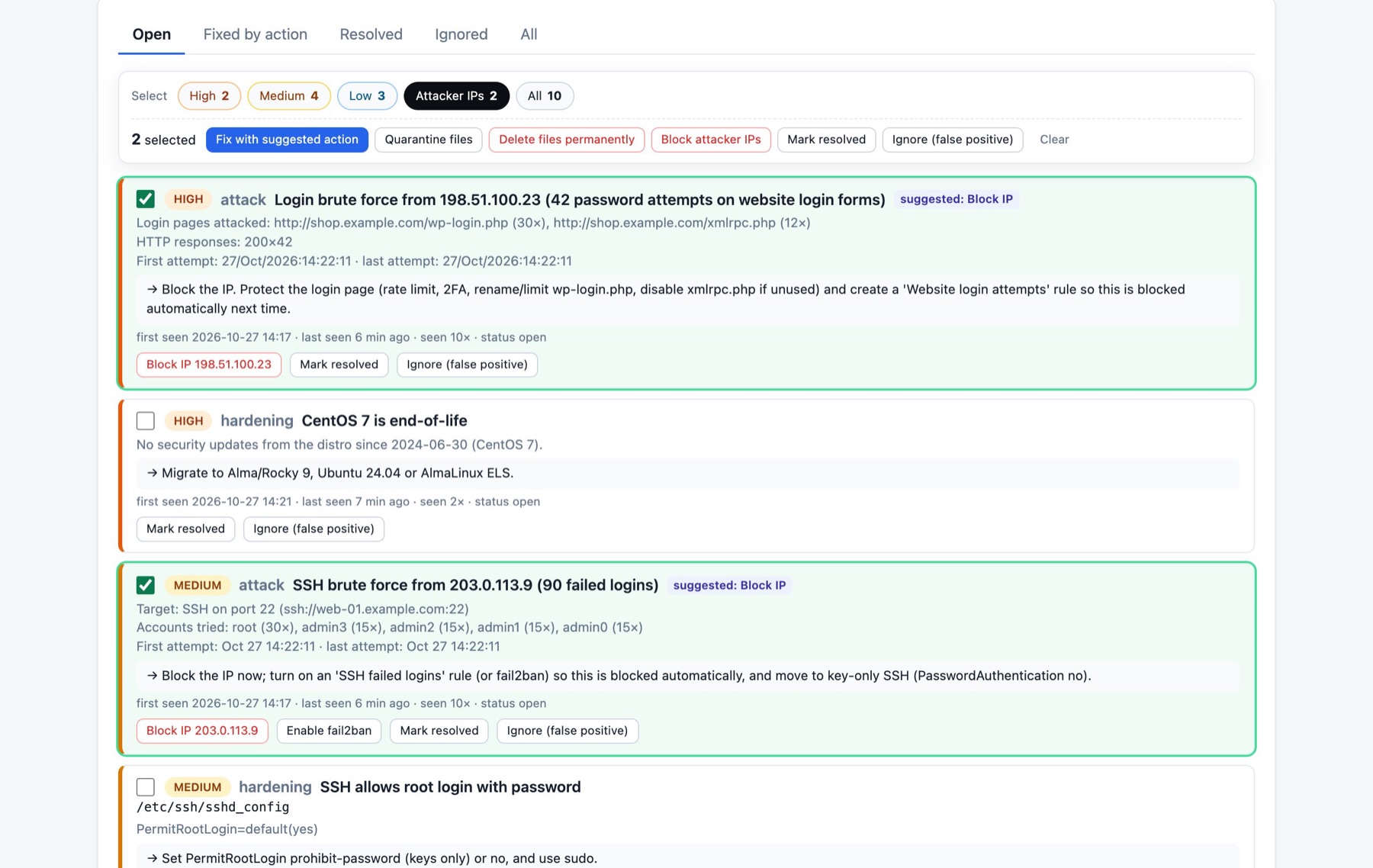
The agent checks every fix before it runs it, even ones queued by an admin.
It refuses to block your SSH port, the server's own IPs, private networks, or the address of your current SSH session.
Office, VPN and monitoring IPs you list are never blocked — by a rule or by hand.
It only quarantines or deletes files under web roots, never system folders, and never .env, config.php, wp-config.php or index.php.
It will not kill sshd, systemd, the database or the web server.
Quarantined files can be restored, and blocked ports and IPs unblocked, from the same screen.
Who queued it, when, from where, and what the server answered.
The main jobs — scans, patch runs, status and history — also run straight from the server. The command is auditbash (or patchwatch).
auditbash status | What the agent is doing, its mode, schedule and dashboard |
auditbash scan | Run a full security scan now |
auditbash check | See pending security updates without installing |
auditbash apply | Run a patch cycle now |
auditbash history | Past runs and what each one changed |
auditbash self-test | Check the agent can do its job on this server |
Yes. Installing security updates and changing the firewall need root, so the install command runs with sudo.
No. The agent only connects out to the dashboard over HTTPS. Nothing listens on your server.
Only if you choose auto-apply for that server. In alert-only mode it tells your team and waits.
Ubuntu, Debian, RHEL, CentOS, Rocky Linux, AlmaLinux, Amazon Linux, Fedora, openSUSE, Alpine, Arch and FreeBSD — including Plesk and cPanel servers.
Run the install script again with --uninstall. It removes the agent and its timers, and leaves its settings and logs for you to delete.
One command on your server. 14 days free on the Cloud Dashboard.
Run your first audit