Automated Linux Server Patching for Production Servers: Tools, Scheduling & Monitoring

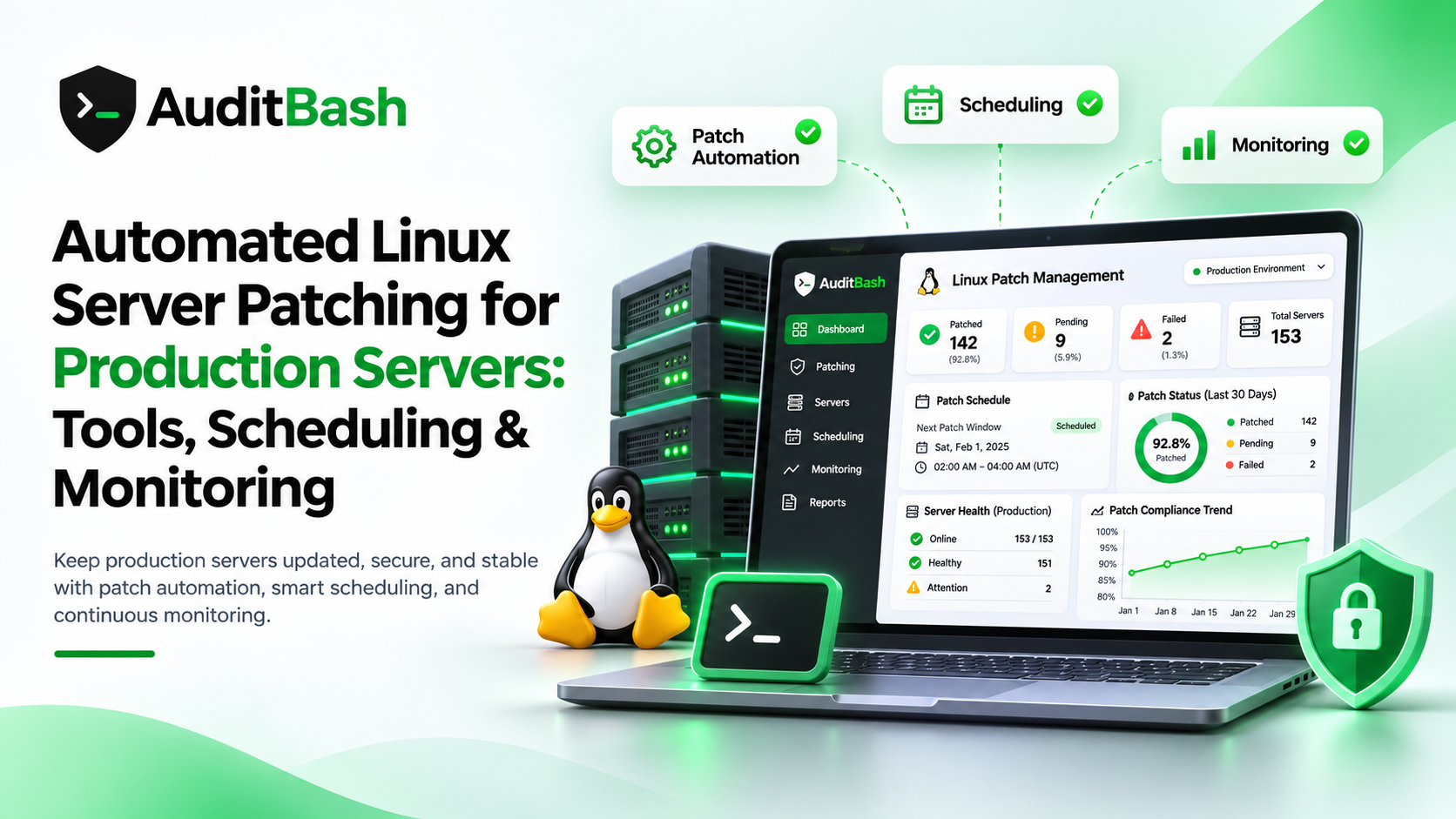
Automated Linux server patching helps IT teams detect missing security updates, control patch installation, and monitor multiple production servers with less manual work. The right patch management software combines automatic update detection, maintenance scheduling, approval controls, and reporting without compromising server stability.
For DevOps engineers, hosting providers, and Linux administrators, the challenge is not simply installing updates. It is keeping servers secure while maintaining application availability and avoiding unnecessary service disruptions.
Choosing a solution that supports controlled automation and centralized security monitoring can make production server maintenance easier to manage.
Automated Linux Server Patching for Production Environments
Automated Linux server patching for production servers is the process of using software to detect, manage, and install updates according to defined security and maintenance policies.
Unlike development environments, production servers support live applications, websites, databases, and business services. An unexpected restart or incompatible update can interrupt operations and affect customers.
An effective automated Linux patch management workflow should cover:
- Regular security update detection.
- Patch prioritization and approval.
- Scheduled maintenance windows.
- Controlled patch installation.
- Post-update health checks.
- Patch status monitoring and reporting.
The NIST Guide to Enterprise Patch Management Planning identifies patching as a key part of preventive technology maintenance, including the verification of installed updates.
A reliable patching solution should support this process while giving administrators enough control over changes to production infrastructure.
Manual vs. Automated Linux Patch Management
Manual Linux patch management requires administrators to check individual servers, review available updates, install packages, and verify the results. Automated patch management reduces repetitive tasks by performing supported activities according to predefined rules.
Manual patching may be manageable for a small number of servers. However, as infrastructure grows, maintaining consistent patch schedules and accurate records becomes more difficult.
| Management Area | Manual Patching | Automated Patching |
|---|---|---|
| Update detection | Individual server checks | Scheduled update checks |
| Patch installation | Manual commands | Policy-based or approved installation |
| Maintenance scheduling | Managed by administrators | Configured schedules |
| Server visibility | Separate system checks | Centralized dashboard, where supported |
| Reporting | Manually collected records | Automated reporting, where supported |
| Failure detection | Manual review | Monitoring and configured alerts |
| Scalability | Requires more administrative time | Easier to manage across multiple servers |
Automation does not eliminate the need for human oversight. Administrators must still review sensitive updates, test critical changes, and respond to installation failures.
The main benefit is allowing IT teams to spend less time performing routine checks and more time addressing important security and operational issues.
Which Tools Are Suitable for Automated Linux Server Patching?
Linux server patch automation can be implemented through native operating system tools, infrastructure automation frameworks, or dedicated patch management software.
The best option depends on your server count, technical expertise, reporting requirements, and the level of deployment control your team needs.
| Tool or Approach | Primary Function | Best Suited For |
|---|---|---|
| Unattended Upgrades | Automatic Ubuntu package updates | Small Ubuntu environments |
| Ansible | Code-based patch automation | Experienced DevOps teams |
| PatchMon | Centralized Linux patch management | Linux system administrators |
| Automox | Cloud-based patch management | Mixed operating system environments |
| Linux server security platforms | Patching, scanning and remediation | Hosting providers and small IT teams |
Native Linux tools can be effective for basic update automation. However, businesses managing several servers may benefit from centralized software that combines patch visibility, security monitoring, and maintenance controls.
Teams that already use Ansible may prefer to extend their existing automation. Those without dedicated infrastructure automation resources should evaluate software that reduces the need to build and maintain custom workflows.
Essential Features of Linux Security Patching Software
The most useful Linux security patching software combines automatic update detection with flexible maintenance controls, centralized visibility, and clear reporting.
Before purchasing a platform, evaluate whether it supports the following production server requirements.
- Automatic Security Update Detection
Regular update detection helps administrators identify missing security patches without manually checking every server.
A suitable platform should make pending updates visible and help administrators determine which systems require attention. Frequent detection is particularly important for internet-facing servers.
- Flexible Patch Approval Workflows
A Linux patch approval workflow allows administrators to review available updates before installation.
Low-risk updates may be suitable for automatic deployment under an established policy. Updates affecting critical applications, databases, or system dependencies may require testing and manual approval.
This flexibility helps IT teams maintain control without delaying every routine security update.
- Maintenance Window Management
Linux patch scheduling software should allow teams to plan maintenance around business operations.
For example, a hosting provider may prefer to patch customer servers during periods of lower website traffic. A SaaS company may schedule maintenance around application deployment cycles.
Selecting software with suitable scheduling controls helps reduce avoidable service interruptions.
- Centralized Security Monitoring
Production servers can face security risks that operating system patches do not address. Exposed files, suspicious activity, insecure settings, and unnecessary open ports may require separate attention.
Integrated server security scanning can help administrators identify these issues alongside outstanding security updates.
- Server Health Monitoring
Administrators need to understand whether servers and their applications remain functional after maintenance.
When evaluating patch management software, check whether it includes server health monitoring or supports integration with existing monitoring tools. Application-specific health checks may still require separate monitoring systems.
- Patch Reporting and Maintenance Records
Automated Linux patch reporting helps teams understand which systems have been maintained and which still require attention.
Useful records may include update timestamps, affected servers, installation status, pending updates, and maintenance history.
These records are particularly valuable for hosting agencies and IT service providers that need to report maintenance activities to customers.
How Should You Schedule and Approve Linux Server Patches?
Linux server patches should be scheduled according to vulnerability severity, application requirements, and the potential impact on production services.
A practical approach is to automate update detection while allowing installation policies to vary between different server groups.
- Separate Servers by Operational Risk
Development servers, staging environments, web servers, and production databases should not necessarily follow the same patching policy.
Lower-risk systems can often receive updates earlier. Critical production systems may require additional testing, approval, and recovery planning.
| Server Environment | Recommended Patching Approach |
|---|---|
| Development servers | Frequent automated updates |
| Staging servers | Early testing of production updates |
| Production web servers | Controlled updates during maintenance windows |
| Production databases | Approval-based updates with recovery planning |
| High-availability infrastructure | Staged deployment across redundant systems |
These are example policies. Actual maintenance schedules should reflect your infrastructure and security requirements.
- Establish Linux Patch Maintenance Windows
A maintenance window is an approved period during which administrators can apply updates, restart services, or perform other planned maintenance activities.
Choose maintenance windows based on customer usage, service availability requirements, and administrator coverage.
Critical security vulnerabilities may require an emergency maintenance process rather than waiting for the next scheduled window.
- Apply Patches in Stages
Staged patch deployment involves applying updates to a limited group of systems before expanding them across production infrastructure.
For example, a hosting team managing ten Linux servers could first patch a representative test server. Once the team confirms that key services remain functional, it can continue with the remaining servers in controlled groups.
The official Ansible rolling upgrade documentation demonstrates how staged changes can be managed across multiple systems.
This approach helps limit the impact of unexpected software issues.
Patch Failure Alerts and Post-Update Verification
Automated patching is incomplete without checking whether updates were installed successfully and whether production services continue to operate correctly.
IT teams should evaluate Linux security patching software based on how it communicates installation failures, pending updates, and other maintenance issues.
- Why Linux Patch Failure Alerts Matter
Patches can fail for several reasons, including insufficient disk space, unavailable repositories, dependency conflicts, or interrupted installation processes.
Without effective monitoring, an administrator may assume that a server is fully updated when important security patches remain outstanding.
When selecting software, check whether the platform can identify failed or incomplete maintenance tasks and notify the responsible administrator.
- What Should Automated Patch Verification Include?
Post-update verification should confirm both the installation result and the operational condition of the server.
A practical verification checklist includes:
- Confirm that intended package updates were installed.
- Check for remaining security updates.
- Identify required service restarts or system reboots.
- Review package installation logs.
- Verify that important services are running.
- Test websites, applications, and database connections.
- Record any failed updates requiring investigation.
A successful package installation does not automatically mean that every hosted application is working correctly. Application-level verification remains an important part of production maintenance.
- Can Automated Linux Patching Eliminate Server Downtime?
No. Automated Linux patching can help reduce maintenance-related disruptions, but it cannot guarantee zero downtime.
Some package updates require services to restart, while certain kernel updates require a system reboot. High-availability infrastructure, staged deployment, and supported live kernel patching can reduce interruptions in suitable environments.
Canonical's explanation of automated Linux kernel patching describes how live patching can address certain kernel vulnerabilities without immediate reboots.
However, live kernel patching does not replace all regular operating system and application updates.
Managing Automated Patches Across Multiple Linux Servers
Centralized Linux patch management helps administrators monitor update requirements, apply maintenance policies, and review security conditions across several connected servers.
Instead of manually accessing each server, administrators can use a central management platform to identify systems requiring attention and coordinate routine maintenance.
This approach becomes increasingly valuable when businesses manage different customer environments or application workloads.
- Automated Linux Server Patching for DevOps Teams
DevOps teams need patch automation that fits their existing deployment processes and infrastructure management policies.
A suitable solution should support visibility into missing updates and allow administrators to maintain appropriate approval controls for critical systems.
Teams using Ansible or other infrastructure automation tools may also benefit from centralized security monitoring to complement their existing maintenance workflows.
- Automated Linux Server Patching for Web Hosting Teams
Web hosting teams often manage several Linux servers supporting customer websites, databases, and hosting control panels.
Automated update detection can help these teams identify outstanding patches without repeatedly accessing individual servers.
Maintenance windows, security scanning, and centralized reports can also help hosting providers coordinate maintenance activities while considering customer availability requirements.
How AuditBash Supports Linux Patch Monitoring and Maintenance
For businesses managing self-hosted Linux servers, AuditBash combines automated security update checks, controlled patch installation, security scanning, and centralized server monitoring.
The platform checks for available security updates every two hours and supports automatic installation or approval-based patching. Administrators can select an approach that matches their maintenance requirements.
- Automatic Security Update Checks
Scheduled update checks help administrators identify pending security patches across connected servers.
Instead of manually checking each system, teams can review available information centrally and prioritize maintenance activities.
- Controlled Security Patch Installation
Automatic and approval-based patching options allow administrators to balance routine security maintenance with production stability.
Maintenance window settings and alert-only options can support teams that need additional control over server changes.
- Security Scanning Beyond Package Updates
The platform includes 11 scanners covering more than 90 security checks. These checks help administrators identify a range of risks, including exposed files, suspicious files, open ports, and insecure server configurations.
This makes the platform relevant to businesses that need broader Linux server security rather than package updates alone.
- Browser-Based Security Remediation
With 14 browser-based fixes for supported security issues, administrators can address certain server risks directly through the dashboard.
Teams should review the expected impact of each fix before applying changes to production systems.
- Centralized Server Monitoring and Reporting
The dashboard brings connected server information, security grades, alerts, and printable reports into one location.
Support for compatible Plesk and cPanel environments also makes the software relevant to web agencies, hosting providers, and administrators maintaining customer servers.
The platform uses an outbound-only agent connection and requires root privileges for installation and supported maintenance activities. Businesses should review agent permissions, security architecture, and deployment requirements before connecting production systems.
What Should You Check Before Buying Linux Patching Software?
Before purchasing automated Linux patch management software, confirm that the platform supports your server environment, maintenance policies, and reporting requirements.
| Evaluation Criteria | What to Confirm |
|---|---|
| Linux compatibility | Supported distributions and OS versions |
| Update detection | Frequency of security update checks |
| Patch automation | Automatic and approval-based installation options |
| Scheduling | Maintenance window controls |
| Failure handling | Failed update visibility and notification options |
| Verification | Available server and service health information |
| Security coverage | Scanning and supported remediation features |
| Agent permissions | Access requirements and data handling |
| Pricing | Server limits and total subscription cost |
Start by evaluating the software on a non-critical Linux server. Review the update detection process, installation controls, security reports, and dashboard usability before expanding deployment.
The trial should help your team determine whether the software reduces manual work without introducing unnecessary operational complexity.
Frequently Asked Questions
How do you automate Linux server patching?
Linux server patching can be automated using native update services, Ansible playbooks, or dedicated patch management software. Teams managing production servers should combine automation with testing, maintenance schedules, approval controls, and post-update verification.
What is the best tool for automated Linux patch management?
The best tool depends on your infrastructure. Ansible suits teams that prefer code-based automation, native Linux tools work for basic package updates, and centralized commercial platforms are useful for teams requiring monitoring, reporting, and broader security management.
Can Linux server security patches be installed automatically?
Yes. Linux security updates can be installed automatically using native operating system tools or dedicated patching software. However, updates that may affect critical services should follow appropriate testing and maintenance policies.
The official Ubuntu automatic updates documentation explains how native automatic update services can be configured.
What are the best open-source Linux patch management tools?
Ansible, PatchMon's open-source edition, and native Linux update services are options for open-source or self-managed patch automation. Their suitability depends on your technical resources, server environment, and reporting requirements.
Is Ansible good for Linux patch management?
Yes. Ansible is useful for automating Linux package updates across multiple servers. It allows teams to create repeatable maintenance processes, although scheduling, approval workflows, and reporting may require additional configuration.
How often should production Linux servers be patched?
Production Linux servers should be checked for security updates regularly. Installation timing should depend on vulnerability severity, server exposure, application requirements, and maintenance policies. Critical vulnerabilities may require urgent patching.
What happens when an automated Linux patch fails?
When a patch fails, administrators should review installation logs, identify the cause, verify server stability, and resolve the issue before retrying. Further rollout should be paused if the failure could affect other production systems.
Can automated patch management software manage multiple Linux servers?
Yes. Centralized patch management platforms can help administrators monitor updates and coordinate maintenance across multiple supported Linux servers. This is particularly useful for hosting providers, DevOps teams, and IT service companies.
Can Linux servers be patched without rebooting?
Some Linux updates can be installed without rebooting the server. Supported live kernel patching can also address certain kernel vulnerabilities without an immediate restart. Other kernel or system updates may still require scheduled reboots.
Is automated Linux patching safe for production servers?
Automated Linux patching can be appropriate for production servers when combined with tested update policies, suitable maintenance windows, controlled deployment, and post-update verification. Unrestricted automation without monitoring or recovery planning can introduce operational risks.
Simplify Production Linux Server Maintenance
Production server maintenance requires more than automatic package installation. Your team needs visibility into missing security updates, control over maintenance activities, and a practical way to address server security risks.
Explore how AuditBash can support centralized Linux patch management, security scanning, and routine server maintenance within your existing infrastructure.
Start your free trial and evaluate automated security update checks, patch approval options, and centralized server monitoring on a non-critical Linux server.
Related guides

Thanksgiving 2026: Keeping Linux Servers Secure During the Holiday Season
Celebrate Thanksgiving 2026 with practical Linux server security tips. Review patches, monitor risks, and prepare your servers for the holiday season.
Read More
Best Linux Patch Management Software for Small IT Teams in 2026
Compare the best Linux patch management software for small IT teams in 2026. Explore features, pricing, automation, and server security capabilities.
Read More